PDF guides
Clear, step-by-step answers to the PDF jobs people search for most. Each guide shows exactly what to click, on a phone or a computer.
 Edit PDF
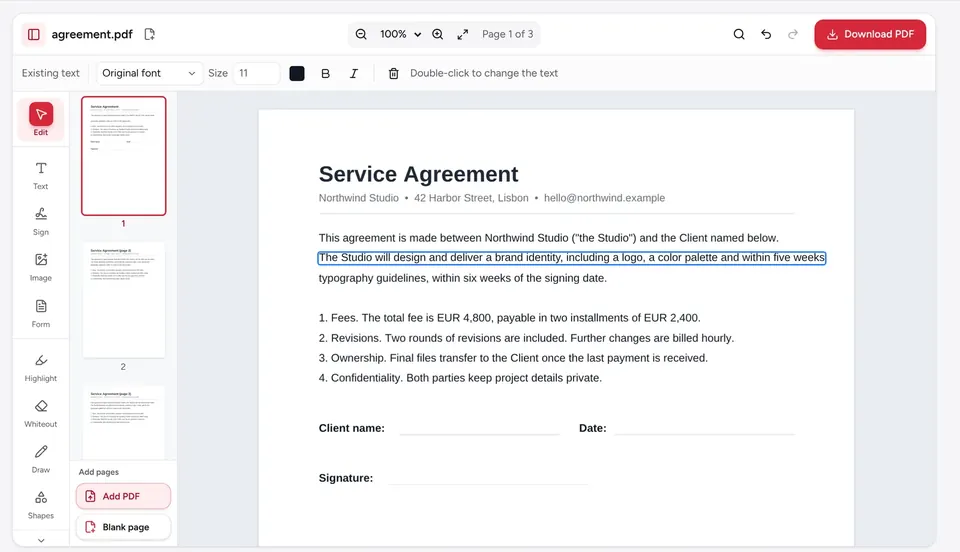
How to edit a PDF
Edit a PDF in your browser: change existing text, add new text, images and links, then download. Free, no signup, no watermark, and files stay on your device.
 Sign PDF
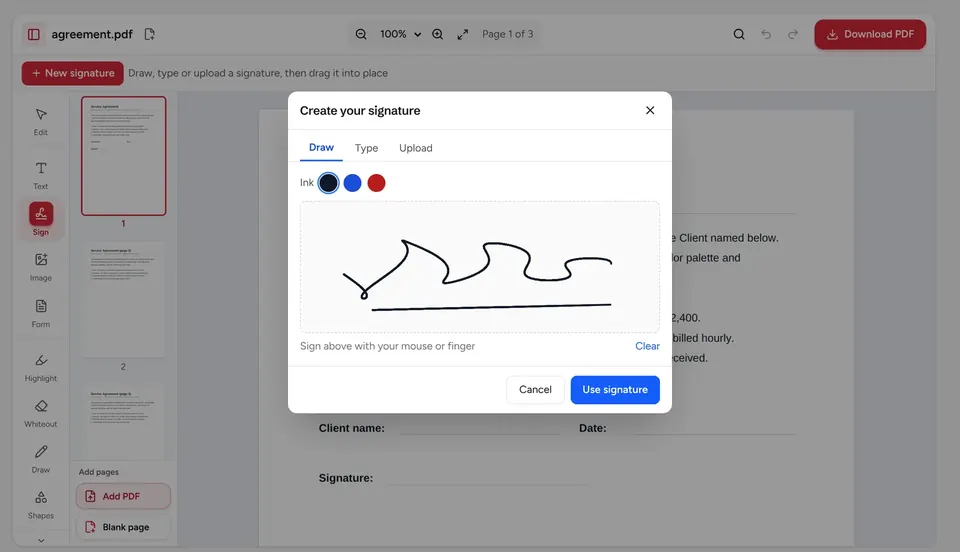
How to sign a PDF
Sign a PDF by drawing, typing or uploading your signature, on iPhone, Android or a computer. Free, no account, no watermark; the file stays on your device.
 Compress PDF
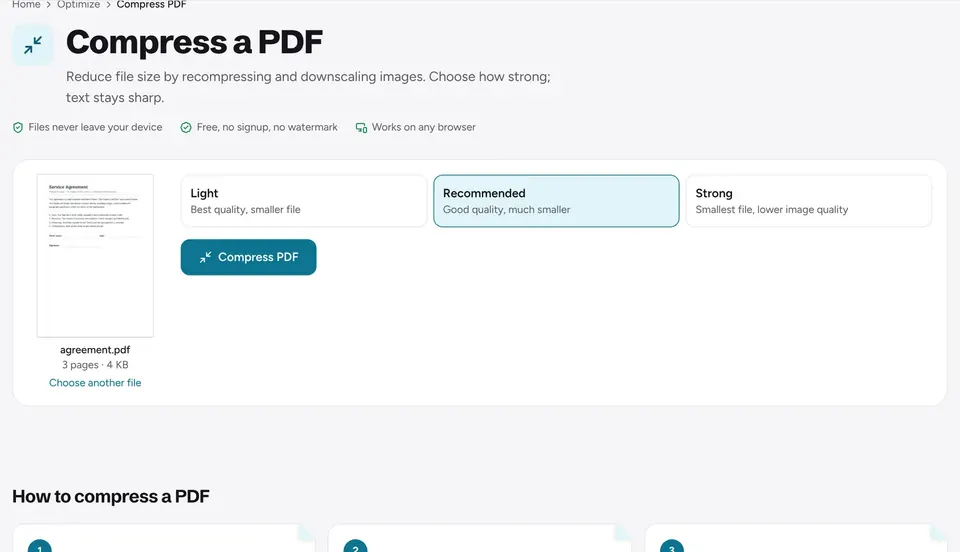
How to reduce PDF file size
Make a PDF smaller to fit Gmail, Outlook or upload portal limits. Pick a compression level, check the new size and download. Free, processed on your device.
 Merge PDF
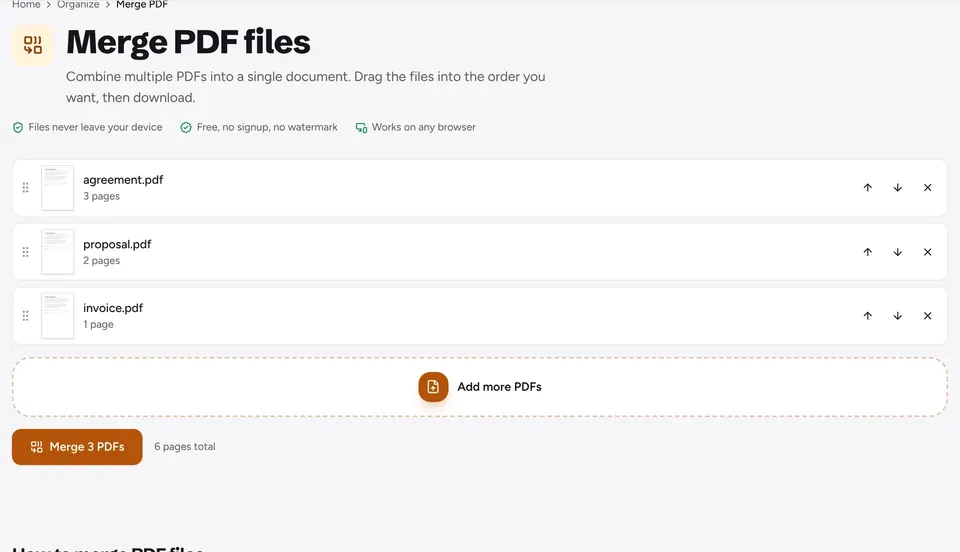
How to merge PDF files into one
Combine several PDFs into one file in your browser: add files, put them in order, merge and download. Free, no signup, and your files stay on your device.
 Fill PDF form
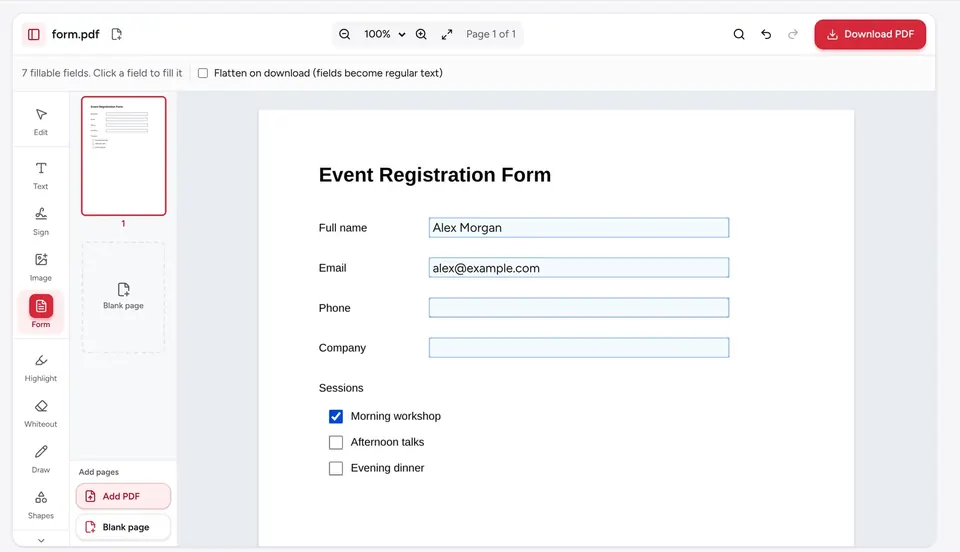
How to fill out a PDF form
Fill in any PDF form in your browser: type in fields, tick boxes, add text to flat forms, sign and flatten. Free, no watermark, and files stay on your device.
 OCR PDF
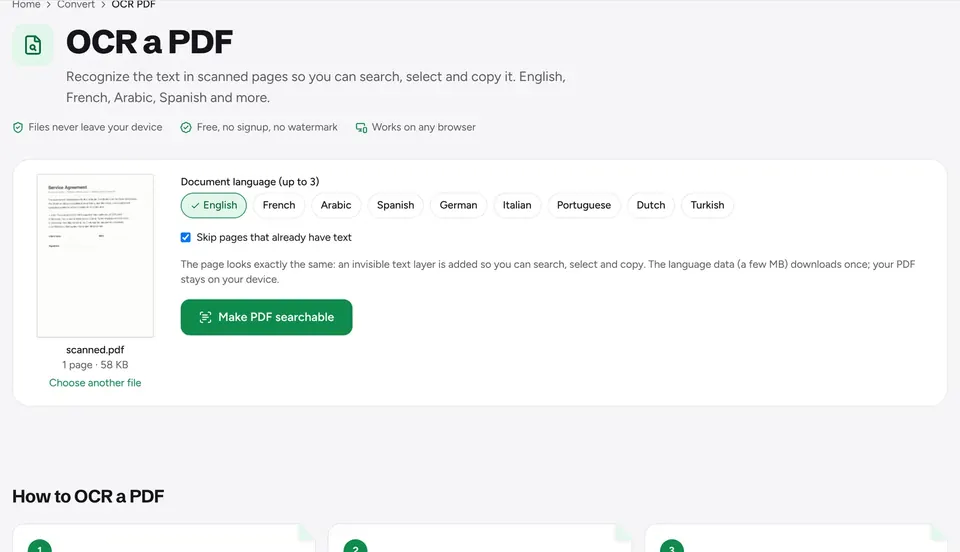
How to edit a scanned PDF
Scanned PDFs are images, so their text can't be selected. Learn how to turn a scan into editable text, or make it searchable with OCR, free in your browser.
 JPG to PDF
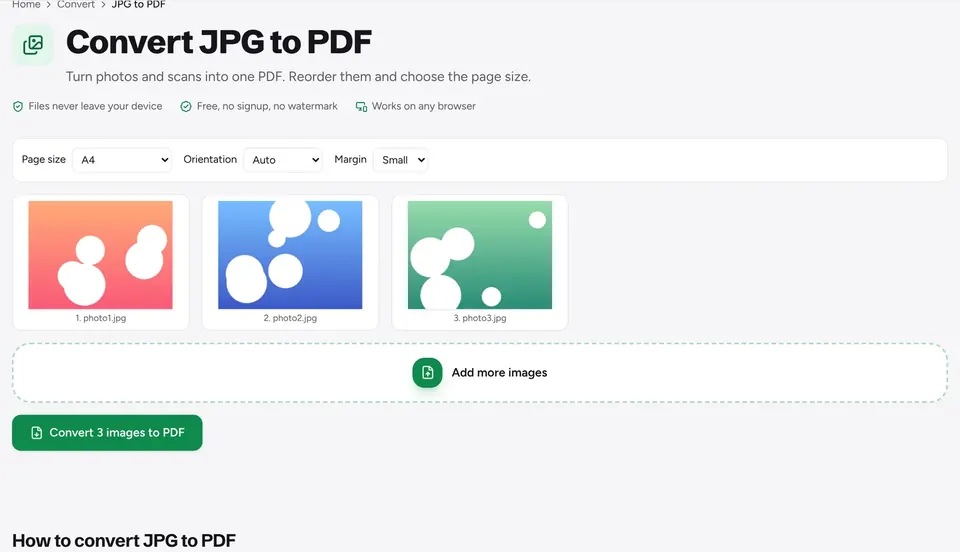
How to convert photos to PDF
Turn JPG, PNG and iPhone HEIC photos into one PDF in your browser. Reorder, rotate, pick a page size and download, on any phone or computer, for free.
 Split PDF
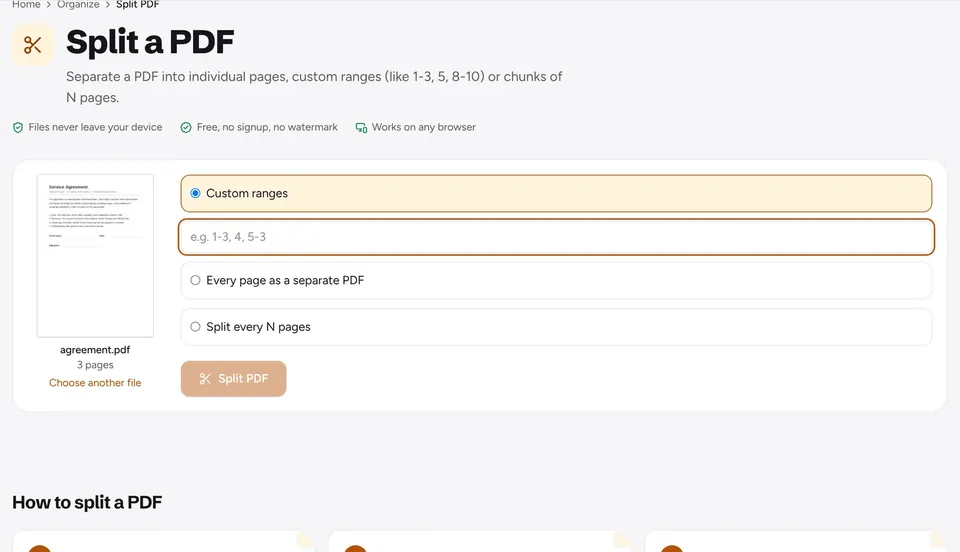
How to split a PDF
Split a PDF by page ranges, into single pages or every N pages, extract just the pages you need or delete the rest. Works in your browser on any device.
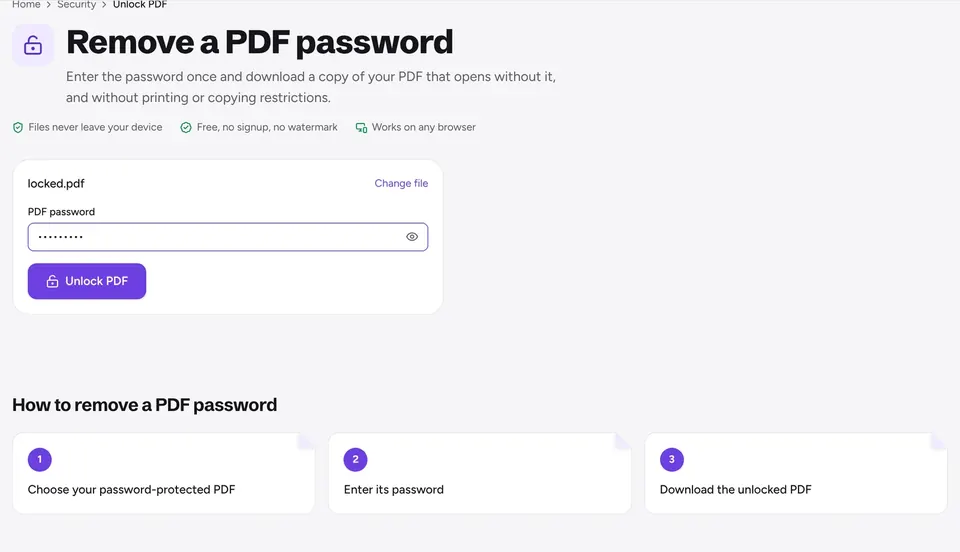 Unlock PDF
How to remove a password from a PDF
Remove the open password and print or copy restrictions from a PDF you have the password for, in your browser. Plus how to add a password to a PDF.
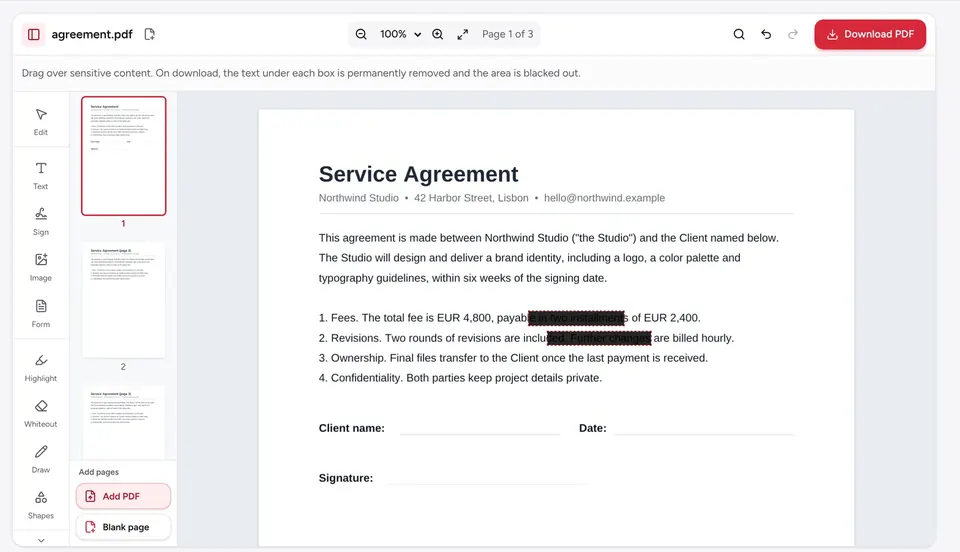 Redact PDF
How to redact a PDF
Black out names, numbers and images in a PDF so they are truly gone, not just hidden. Why black boxes fail, how to redact properly and how to check it.