Quick checks before anything else
- Try another viewer. If it fails in your browser, open the PDF in a desktop reader such as Acrobat Reader, or the other way round. A fault in one viewer often disappears in another.
- Try another printer or Save as PDF. If it prints to "Microsoft Print to PDF" or "Save as PDF" but not to your printer, the file is fine and the problem is the printer or its driver.
- Print one page. If page 1 prints but page 7 stalls, that page has the problem, usually a heavy image or a bad font.
- Restart the printer and update its driver. Old drivers choke on large or complex pages.
The PDF has printing restrictions
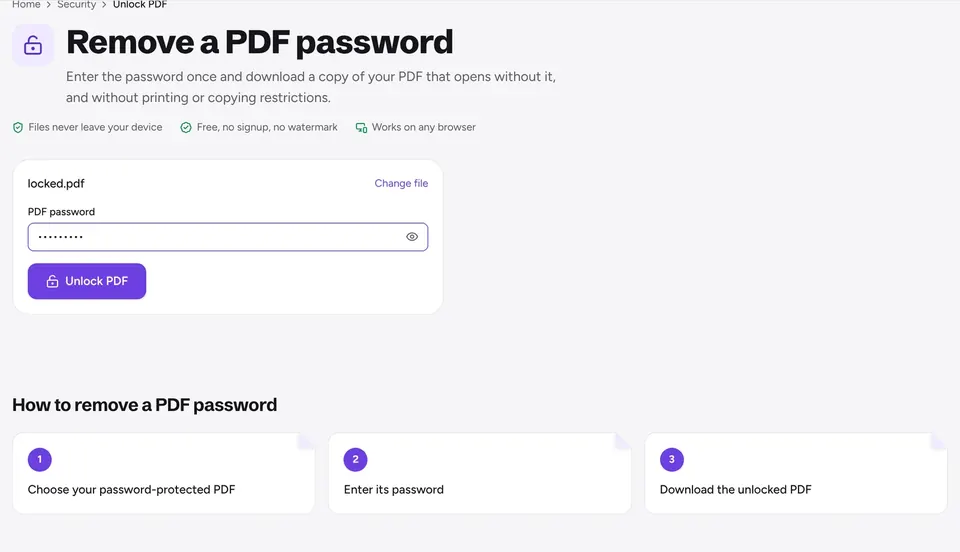
Some PDFs allow viewing but block printing or copying. The Print option is grayed out, or the viewer says printing is not allowed. This is a permission set by whoever made the file.
If the file is yours, or you have the right to print it, Unlock PDF removes the restrictions in your browser and gives you a new copy that prints. If it needs a password to open, enter it there.
The file is damaged
Downloads that were interrupted, email attachments and files saved from phones can end up slightly corrupted. Symptoms are missing pages, an error such as "There was a problem reading this document", or a printer that sends nothing.
Run the file through Repair PDF. It rebuilds the structure and saves a clean copy. If a repaired copy opens and prints, you are done.
Fonts, forms and odd pages
Garbled letters, boxes instead of characters or missing text on paper point to a font the printer cannot handle. Printing the pages as images avoids it: Adobe Acrobat Reader offers Print as image in its advanced print settings. You can also save the pages as pictures with PDF to JPG and rebuild a PDF with JPG to PDF.
Filled forms sometimes print blank because the viewer does not draw the fields. Flatten PDF turns the fields into regular page content, so what you typed prints the same everywhere.
The page is too large for your paper
Drawings, posters and PDFs made for A3, Legal or custom sizes get cropped or rejected on A4 or Letter paper. Resize PDF scales every page to A4 or Letter without cutting content.
If you want the large page at full size, print it as a poster on several sheets with overlap and cut marks, then assemble them.
Frequently asked questions
Why is Print grayed out in my PDF?+
The file has a printing restriction. If you own it or may print it, use Unlock PDF to get a copy without restrictions.
Why does my PDF print blank pages?+
Usually a form that the viewer does not draw, or a font problem. Flatten the form or print the pages as images.
Why does the print job start and then stop?+
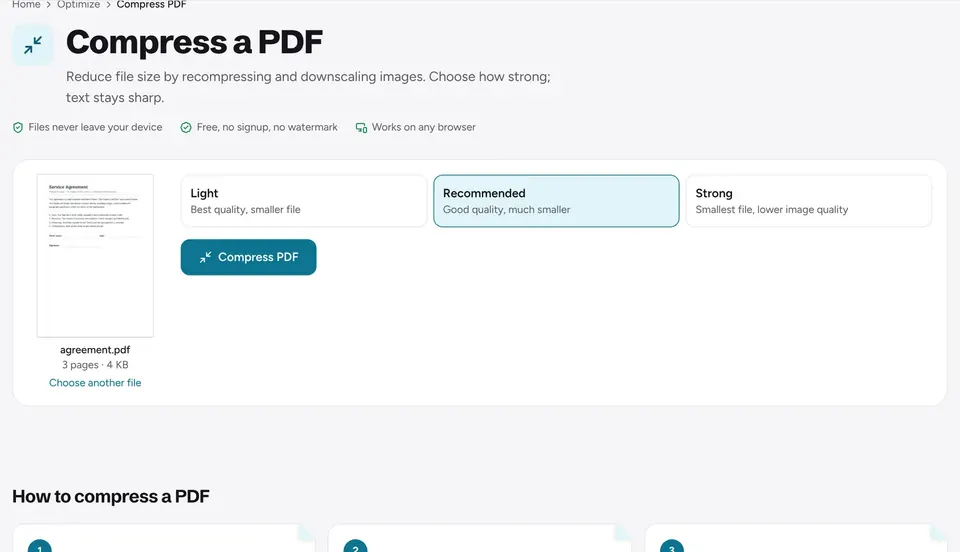
A very large page or image can overload the printer. Resize the pages to A4 or Letter and compress the PDF.
Can a damaged PDF be fixed?+
Often yes. Repair PDF rebuilds the file and saves a clean copy in your browser.
Is my PDF uploaded when I use these tools?+
No. Everything runs in your browser and the file stays on your device.
Ready to try it?
Open Repair PDF and follow the steps above. Your file stays on your device.
- Files never leave your device
- Free, no signup, no watermark
- Works on any browser